SIMPLE
Table of Content
A Table of Contents helps readers navigate your content effortlessly. It organizes headings clearly, improves readability, and enhances user experience by guiding visitors to the exact sections they want to explore.
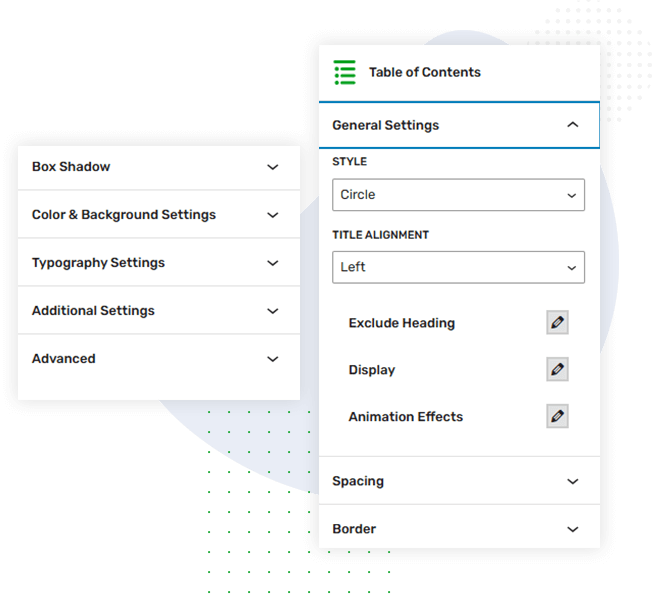
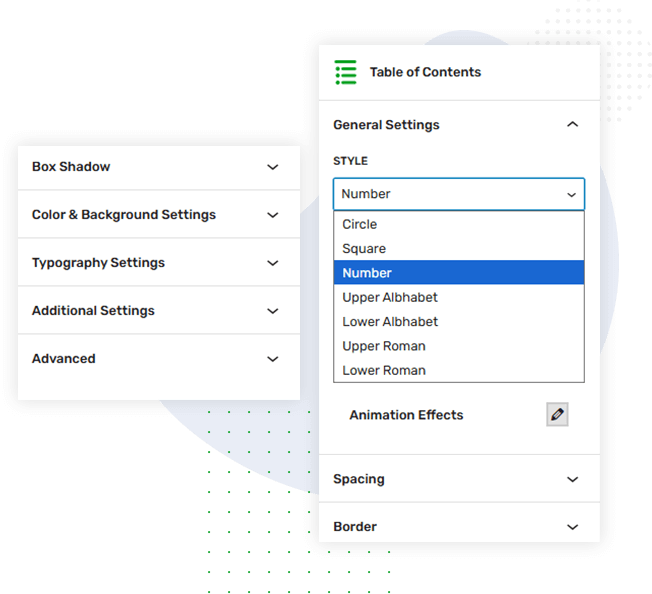
Table of Content
with
Marker style
Customize your Table of Contents with flexible heading marker styles. Choose circles, numbers, or alphabets to match your design. This setting enhances readability and gives your TOC a clean, organized, and visually appealing structure.
Table of Content
with Heading
setting
Control which headings appear in your Table of Contents with the include or exclude option. Select specific heading levels to display, ensuring a cleaner, more focused TOC tailored exactly to your content structure.
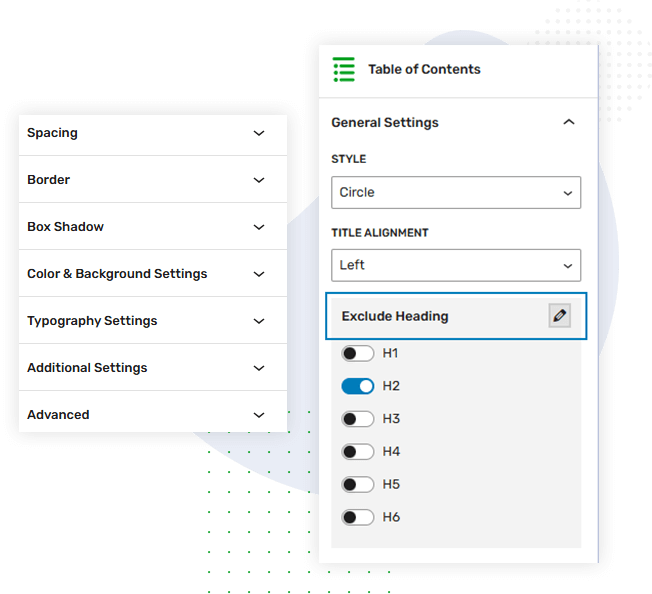
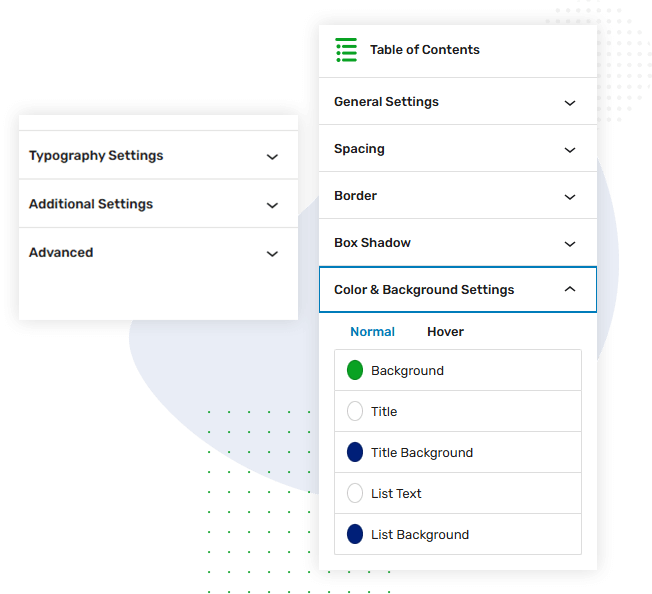
Table of Content
with color &
background
setting
Personalize your TOC style with customizable title, list color, and background color settings. These options let you match your site’s design, highlight important elements, and create a visually appealing, easy-to-read navigation section.
Table of Content
with Spacing
settings
Adjust spacing settings to refine your TOC layout. Customize margins and padding for both headings and content, ensuring balanced spacing, improved readability, and a clean, well-structured appearance that aligns perfectly with your page design.
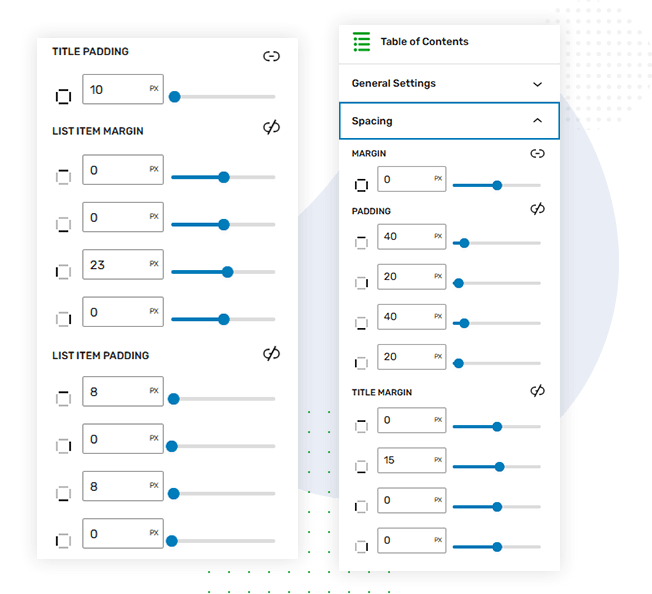
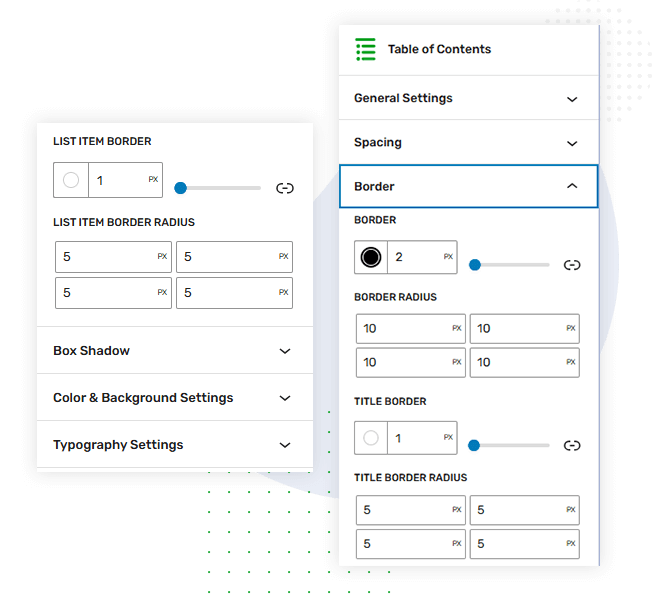
Table of Content
with border &
radius setting
Enhance your TOC design with border and border-radius settings. Add clean outlines or soft rounded edges to create a polished look. These controls help your Table of Contents stand out while maintaining a refined, professional appearance.
Table of Content
with display & animation
setting
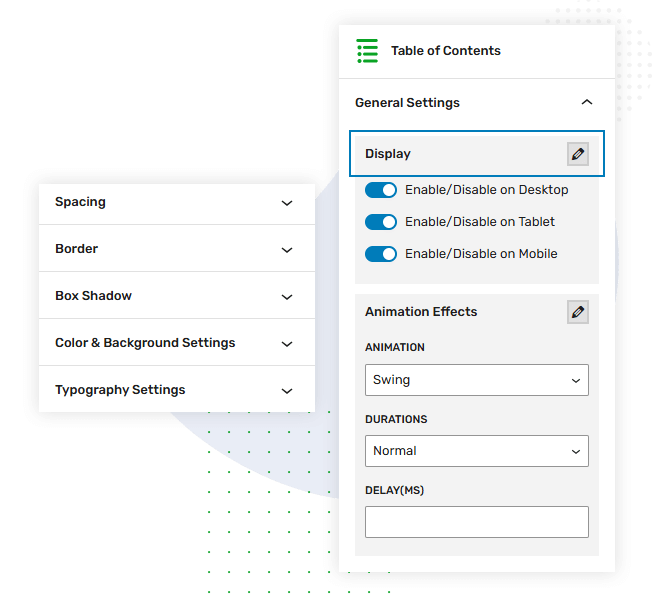
Manage TOC display settings with device-specific visibility controls. Show or hide the Table of Contents on desktop, tablet, or mobile. Add smooth animations to create an engaging, dynamic navigation experience that enhances user interaction.