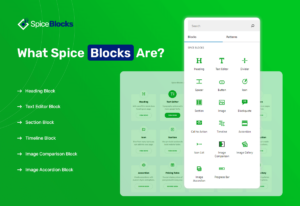
What Spice Blocks Are?
Spice blocks are basically Gutenberg based blocks with advance features. Spice blocks provide advance settings which you can use to…
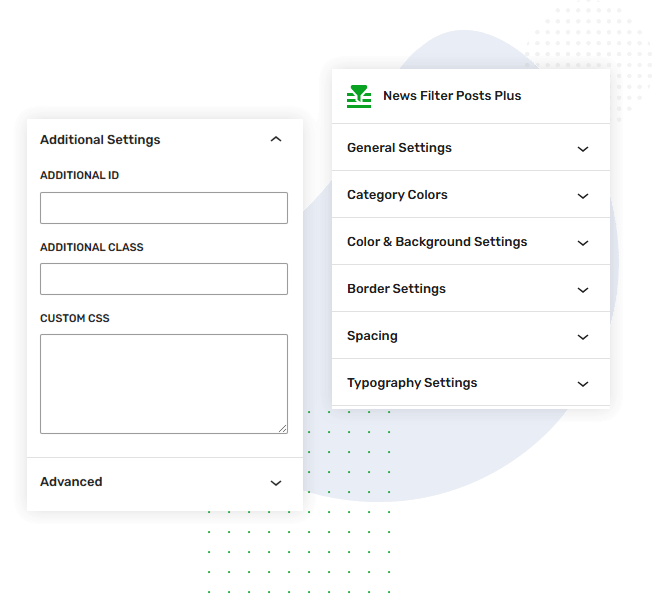
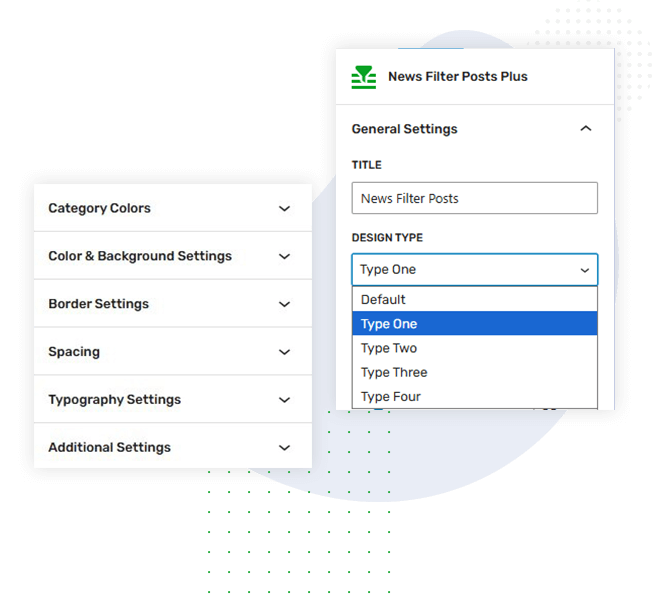
Read MoreThe News Filter Posts block helps users quickly find relevant content by filtering posts instantly. It improves navigation, reduces search time, and enhances user experience by organizing news or blog posts into clear, easily accessible categories.
Spice blocks are basically Gutenberg based blocks with advance features. Spice blocks provide advance settings which you can use to…
Read MoreCreate your dream website with a powerful visual website builder called spice block. Spice blocks works with default WordPress editor.…
Read MoreSpice block has been released and is now available for all users. It’s fully loaded with 23 amazing blocks that…
Read MoreIn addition to the Gutenberg block editor Spice blocks comes with many useful block and block patterns that can be…
Read MoreThe goal for the WordPress block editor was to create a more visually intuitive experience in building pages and creating…
Read MoreGutenberg is a brand new editor for WordPress for creating website pages, products, posts, and about everything you see on…
Read More
The default News Filter Posts design features a clean grid layout with category tabs, highlighted thumbnails, and clear meta details. Its balanced spacing and bold accents create an organized, modern interface for effortless content filtering.
Spice blocks are basically Gutenberg based blocks with advance features. Spice blocks provide advance settings which you can use to design you page wiith more efficiently with full responsiveness.
Read MoreCreate your dream website with a powerful visual website builder called spice block. Spice blocks works with default WordPress editor. Spice block works with native wordpress editor with no dependency…
Read MoreSpice block has been released and is now available for all users. It’s fully loaded with 23 amazing blocks that help you develop a fantastic website for yourself or your…
Read MoreIn addition to the Gutenberg block editor Spice blocks comes with many useful block and block patterns that can be used to create webpages.
Read MoreDesign Type One highlights a featured post with a large thumbnail and detailed excerpt, while supporting posts appear neatly on the side. This layout draws attention to key content and maintains a clean, well-organized news presentation.
Spice blocks are basically Gutenberg based blocks with advance features. Spice blocks provide advance settings which you can use to…
Read MoreCreate your dream website with a powerful visual website builder called spice block. Spice blocks works with default WordPress editor.…
Read MoreSpice block has been released and is now available for all users. It’s fully loaded with 23 amazing blocks that…
Read MoreIn addition to the Gutenberg block editor Spice blocks comes with many useful block and block patterns that can be…
Read More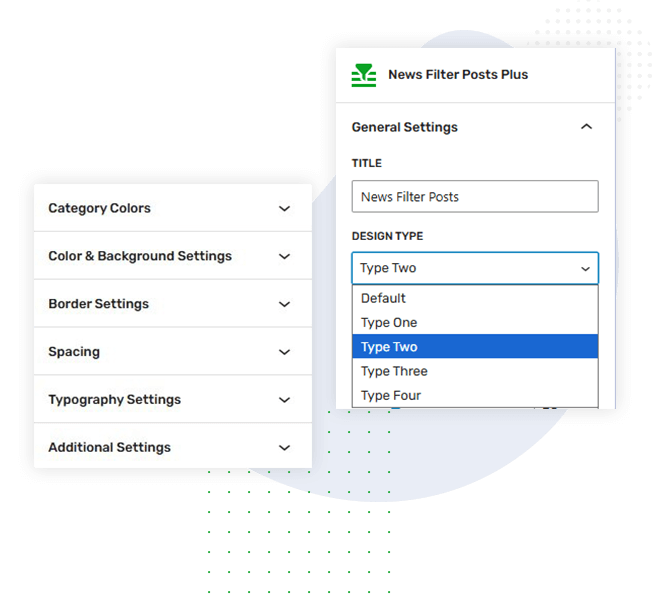
Design Type Two features a prominent main post on the left with an image and excerpt, while multiple posts are displayed in a structured grid on the right. This layout balances focus content with broader post visibility.
Spice blocks are basically Gutenberg based blocks with advance features. Spice blocks provide advance settings which you can use to design you page wiith more efficiently with full responsiveness.
Read MoreCreate your dream website with a powerful visual website builder called spice block. Spice blocks works with default WordPress editor. Spice block works with native wordpress editor with no dependency…
Read MoreSpice block has been released and is now available for all users. It’s fully loaded with 23 amazing blocks that help you develop a fantastic website for yourself or your…
Read MoreIn addition to the Gutenberg block editor Spice blocks comes with many useful block and block patterns that can be used to create webpages.
Read MoreThe goal for the WordPress block editor was to create a more visually intuitive experience in building pages and creating posts. It simplifies adding rich content by minimizing the need…
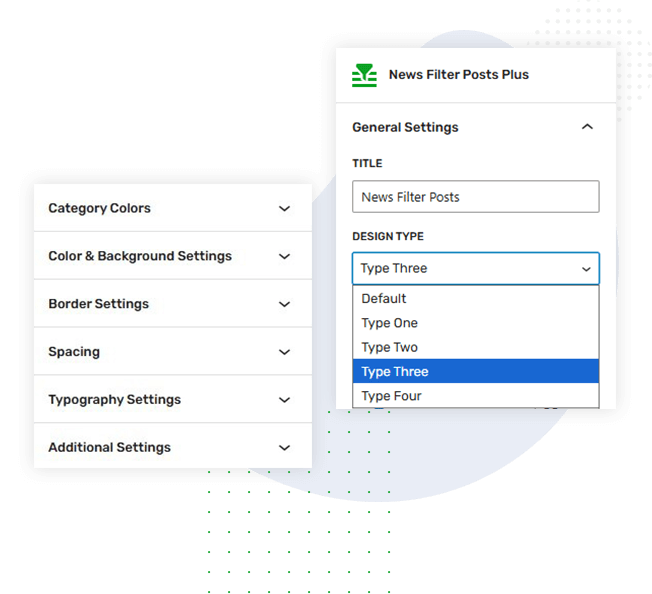
Read MoreDesign Type Three showcases a large featured post across the top with a detailed preview, followed by supporting posts in a clean two-column layout below. This design emphasizes key content while maintaining an organized, easy-to-scan structure.
Spice blocks are basically Gutenberg based blocks with advance features. Spice blocks provide advance settings which you can use to…
Read MoreCreate your dream website with a powerful visual website builder called spice block. Spice blocks works with default WordPress editor.…
Read MoreSpice block has been released and is now available for all users. It’s fully loaded with 23 amazing blocks that…
Read MoreIn addition to the Gutenberg block editor Spice blocks comes with many useful block and block patterns that can be…
Read MoreThe goal for the WordPress block editor was to create a more visually intuitive experience in building pages and creating…
Read More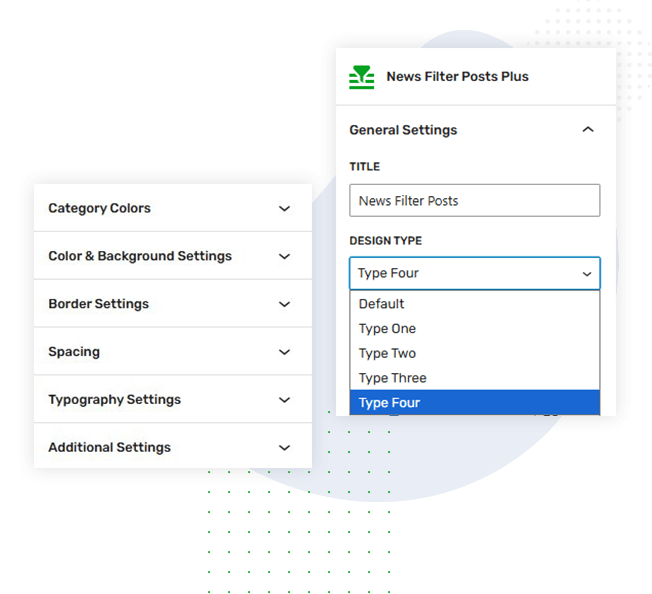
Design Type Four features a bold, full-width highlighted post with overlay content, paired with a compact vertical list of posts on the side. This layout creates strong visual impact while keeping secondary content easily accessible.
Spice blocks are basically Gutenberg based blocks with advance features. Spice blocks provide advance settings which you can use to design you page wiith more efficiently with full responsiveness.
Read MoreCreate your dream website with a powerful visual website builder called spice block. Spice blocks works with default WordPress editor. Spice block works with native wordpress editor with no dependency…
Read MoreSpice block has been released and is now available for all users. It’s fully loaded with 23 amazing blocks that help you develop a fantastic website for yourself or your…
Read MoreIn addition to the Gutenberg block editor Spice blocks comes with many useful block and block patterns that can be used to create webpages.
Read MoreThe goal for the WordPress block editor was to create a more visually intuitive experience in building pages and creating posts. It simplifies adding rich content by minimizing the need…
Read More