simple
Post Tabbed
Post Tabs help organize multiple posts or categories into clean, switchable tabs. They improve readability, reduce scrolling, and enhance user experience by letting visitors access grouped content quickly and efficiently within a compact layout.

Post Tabbed
with
Design types
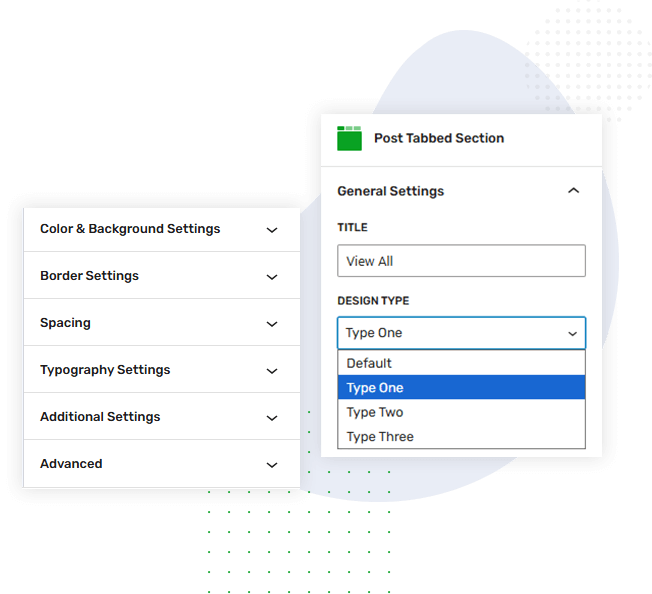
This Post Tabs section includes three additional tab styles, giving you flexible layout options. Switch between these variations to display content in the design that best fits your site’s aesthetics, improves navigation, and enhances user engagement.
Post Tabbed
with column
& gap setting
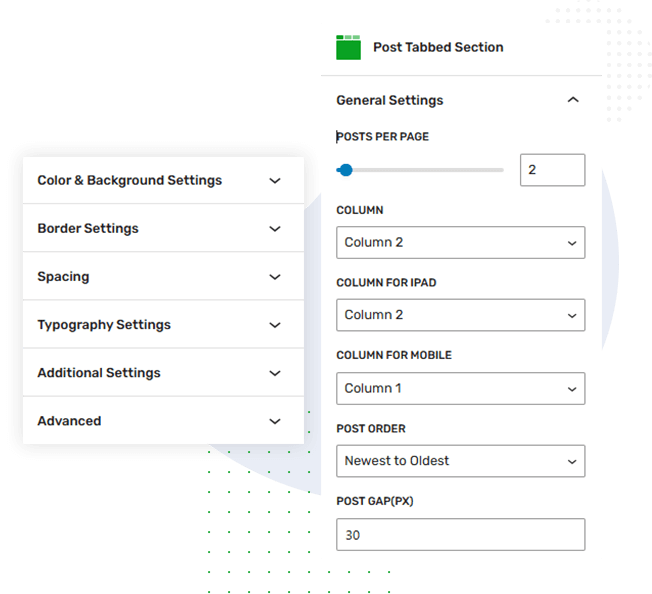
Customize your Post Tabs layout with responsive column settings. Choose 2, 3, or 4 columns for desktop and adjust layouts for tablets and mobiles. Set posts per page and control post gap to maintain a clean, balanced layout in every tab.
Post Tabbed
with meta
enable/disable
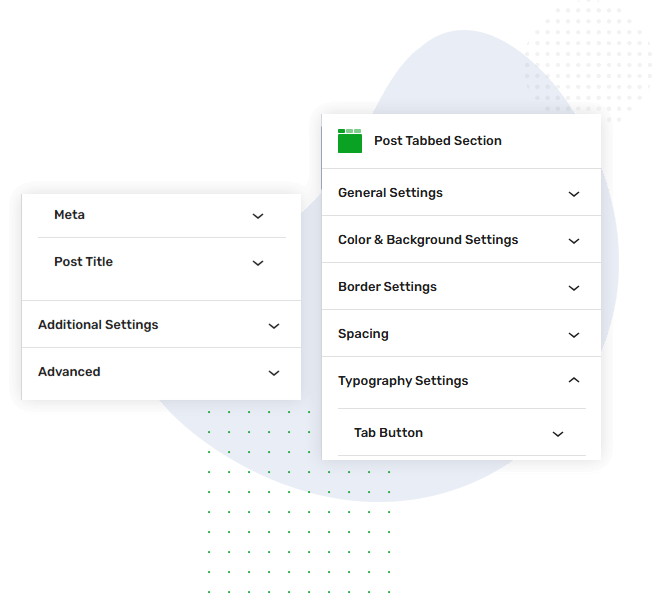
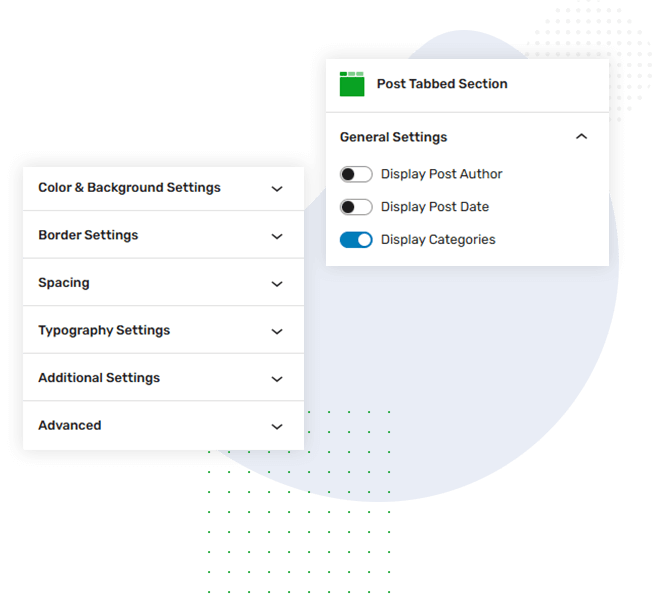
Manage post details easily with toggle options for author name, post date, and category. Enable or disable these elements as needed to create a cleaner layout, highlight essential information, and match the style you want for your Post Tabs design.
Post Tabbed
with category
collection
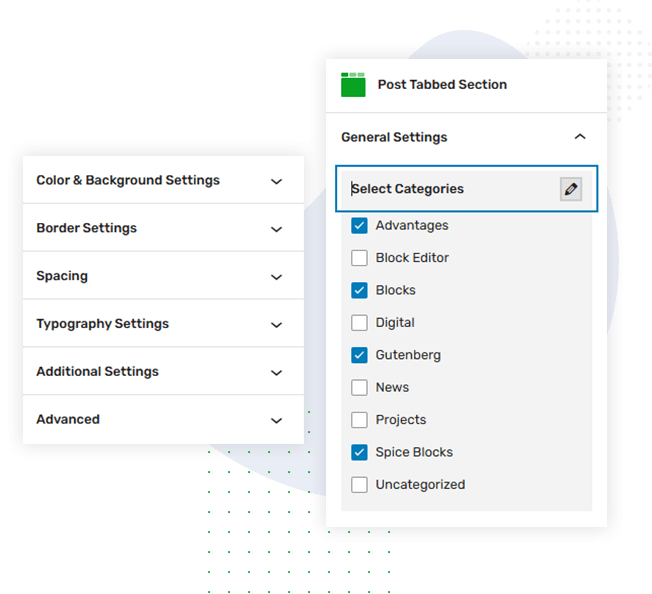
Select specific categories to display within your Post Tabs using the category collection setting. Choose the categories you want to highlight, ensuring each tab shows relevant content and gives users a more organized, targeted browsing experience.
Post Tabbed
with color
settings
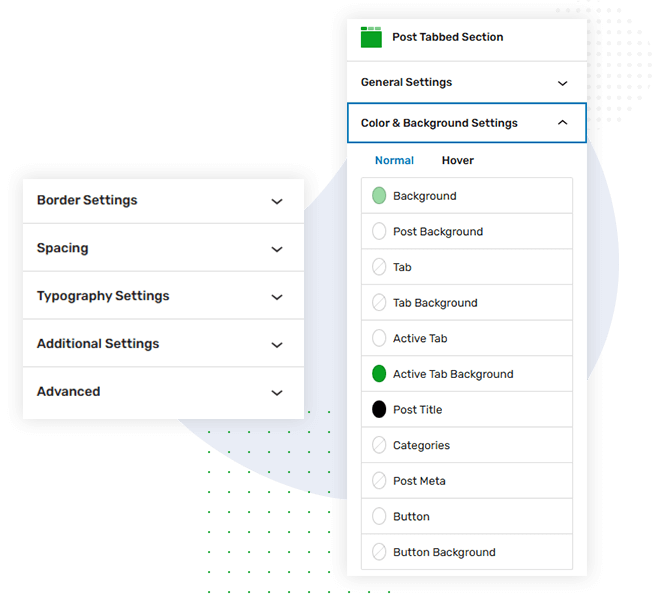
Customize the Post Tabs block with flexible color and background settings. Adjust tab text, active tab color, and background shades to match your theme. These controls help create a visually appealing, consistent, and easy-to-navigate content section.
Post Tabbed
with border
setting
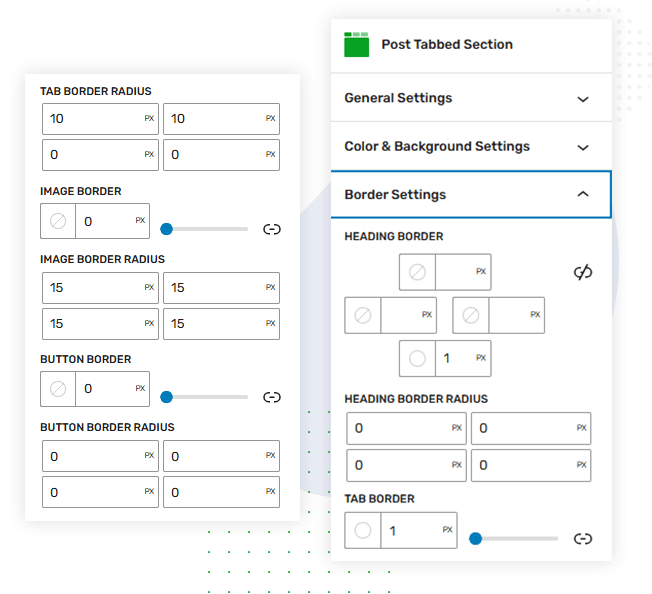
Enhance your Post Tabs design with border and radius settings. Add clean outlines or smooth rounded corners to tabs and content areas, giving the block a polished, structured appearance that blends seamlessly with your site’s overall style.